How do I register in the ACE portal?
Who needs ACE access
Any party to an import transaction who wants to see entry-level data:
- Importers of record — to view their own entries, liquidations, and CAPE refund status
- Customs brokers — to file entries, protests, and refund claims on behalf of clients
- Sureties — to track bonded entries
- Carriers — to file manifests
If you pay duty and want to verify your refund exposure, you need an ACE trade account tied to your IOR. See confirming you're listed as the IOR if you're unsure of your IOR status.
Step-by-step registration
- Go to ace.cbp.dhs.gov and click "Create a Portal Account"
- Select Trade Account Owner — the person who will manage user access for the company
- Provide account holder information — name, title, company legal name, EIN, address
- Upload CBP Form 5106 if not already on file — this establishes the IOR record
- Receive activation email with shared secret — typically within 1 to 3 business days
- Complete first login and set up multi-factor authentication
- Add additional users — AP staff, logistics, controller — with scoped permissions
CBP Form 5106 and why it matters
Form 5106 (Importer ID Input Record) establishes your IOR identity in the CBP system. Without it, CBP cannot associate entries with your EIN. Key fields:
- Legal entity name
- EIN (federal tax ID)
- Business address and mailing address
- ACH banking details for duty payment and refund disbursement
- Bond information (if you hold a continuous bond)
If your banking details are stale, your CAPE refund ACH will bounce. Update Form 5106 before filing.
Required reports to pull from ACE
Once logged in, pull these reports to support your refund analysis:
- ESM-003 — Importer Summary by Month (shows duty paid per entry)
- ESM-001 — Entry Summary Line Detail (HTSUS-level breakdown)
- Protest Module History — any prior protests filed
- Liquidation Report — dates of liquidation for each entry, critical for the 180-day CF-19 window
The IEEPA refund guide walks through exactly which columns to export.
Common registration snags
- EIN mismatch — the EIN on the 5106 must match the EIN on your IRS filings exactly
- Stale Form 5106 — if not updated in the last 12 months, CBP may request a refresh
- No continuous bond on file — single-entry bonds are insufficient for repeat importers; a continuous bond streamlines ACE activation
- Multiple IOR numbers — some companies have legacy CBP assigned numbers plus an EIN-based IOR; consolidate before registering
Access levels
ACE supports role-based access:
- Trade Account Owner — full administrative control
- Proxy Trade Account Owner — can add/remove users
- User — view entries, pull reports, submit filings based on assigned permissions
For refund work, give your customs broker user-level access (not owner) scoped to protest and CAPE modules. Do not share credentials.
After registration
Once activated, link your broker's filer code to your account so they can file on your behalf. The broker submits a POA and requests access; you approve it through the ACE portal. See do I need a POA for POA mechanics.
Calculate your tariff refund → /calculators/ieepa-refund
Related questions
How long does ACE activation take? One to three business days. Complex IOR setups can take up to a week.
Is ACE free? Yes. Registration and use are free. CBP charges no fee for portal access.
Can my broker use their own ACE account to see my entries? Yes, once you grant access via POA and the ACE permission layer.
Not legal advice. Customs business performed by licensed customs broker partners under 19 CFR 111.
Keep reading

Power of Attorney requirements for ACE access
When you can grant a broker filer rights without re-uploading POA.
Read more →
letting a licensed broker pull entries on your behalf
What 19 CFR 111 says about broker-mediated CAPE filings.
Read more →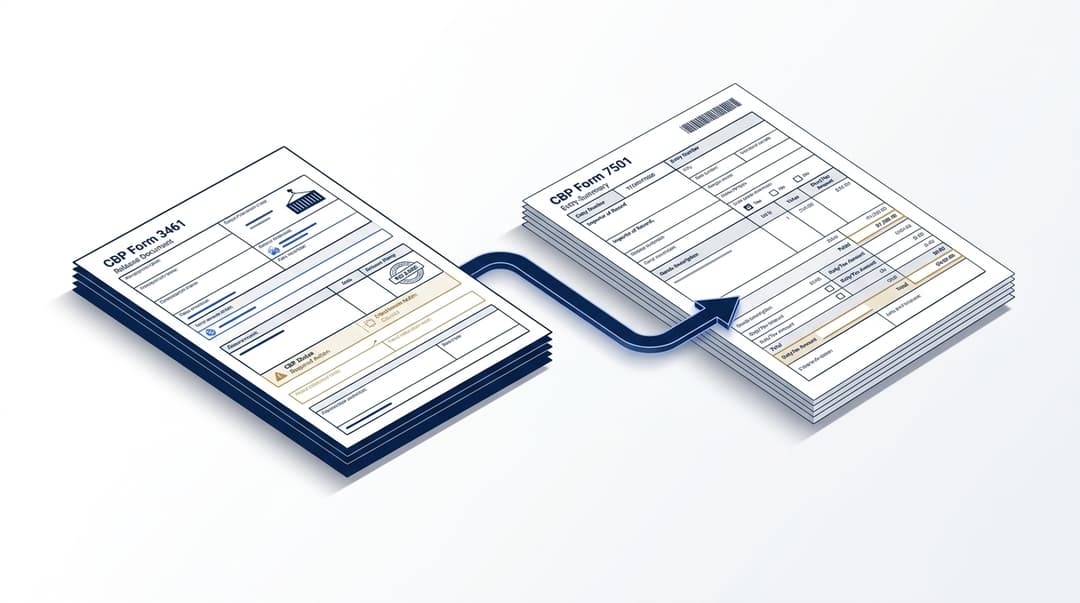
what Form 3461 looks like in ACE
Distinguishing the cargo release filing from the entry summary.
Read more →
the full IEEPA refund process explained
Comprehensive 2026 guide covering eligibility through filing.
Read more →Related questions
Find out what you’re actually owed.
Run the IEEPA refund calculator or take the 60-second qualification quiz. Estimate only — subject to CBP adjudication.